
Adaptive viewing
Fit the remote display to the browser while preserving the full captured frame.
Fit the remote display to your workspace, switch monitors, tune quality, and use mouse and keyboard control only after authorization.
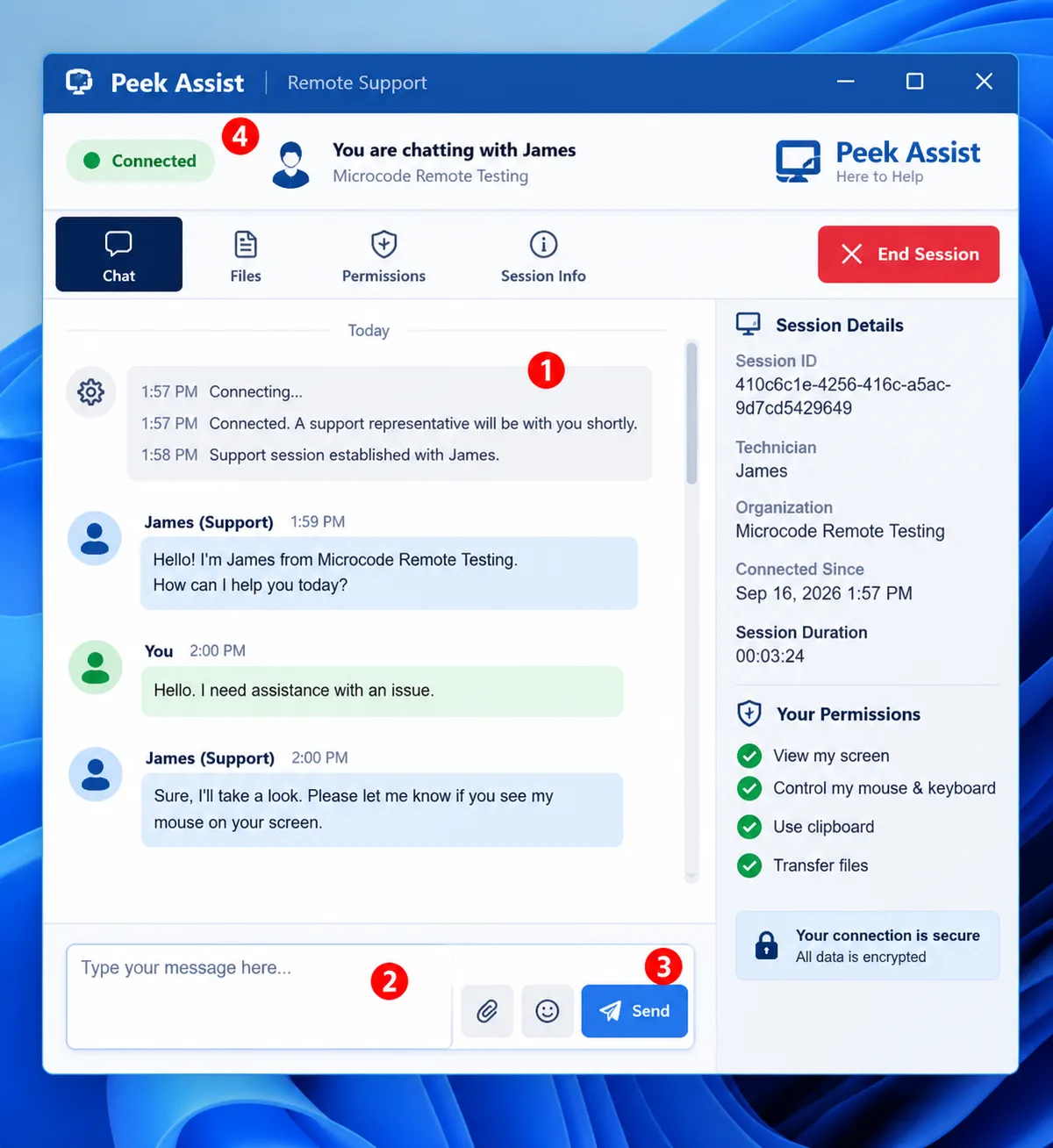
Fit the remote display to the browser while preserving the full captured frame.
Select an available monitor without rebuilding the session.
Choose an appropriate quality mode for the connection and support task.
Mouse and keyboard control follow the active session permission state.
Create a workspace and begin with a transparent support flow.