
Email invitations
Send the customer a session link through the configured SMTP provider.
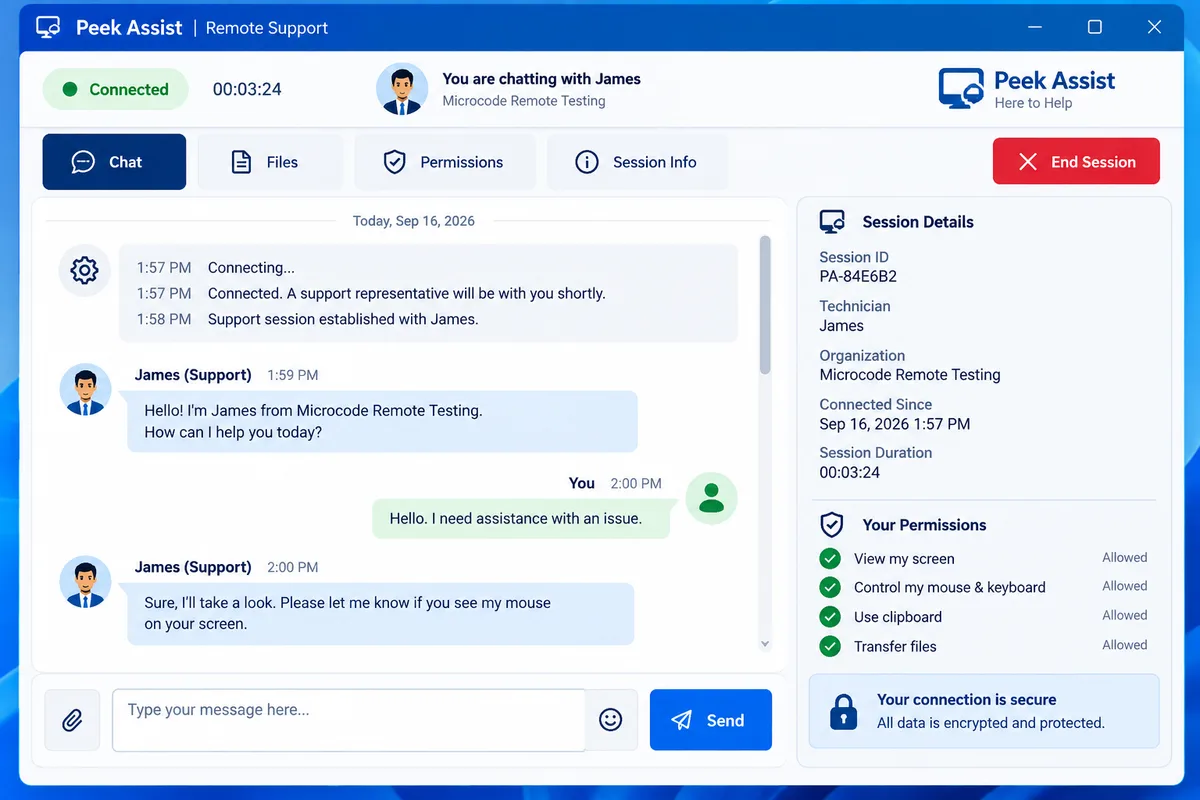
Give customers a simple support code, a recognizable client, and a visible way to chat, review permissions, and end support.
Send the customer a session link through the configured SMTP provider.
Keep the conversation alongside the session instead of relying on a separate channel.
The customer sees the technician and organization associated with the request.
The customer can review permission status and end an attended support session.
Create a workspace and begin with a transparent support flow.