
Support code flow
Customers join with a short-lived code and see who is requesting access.
Create a support code, guide the customer through approval, and work from one technician console.
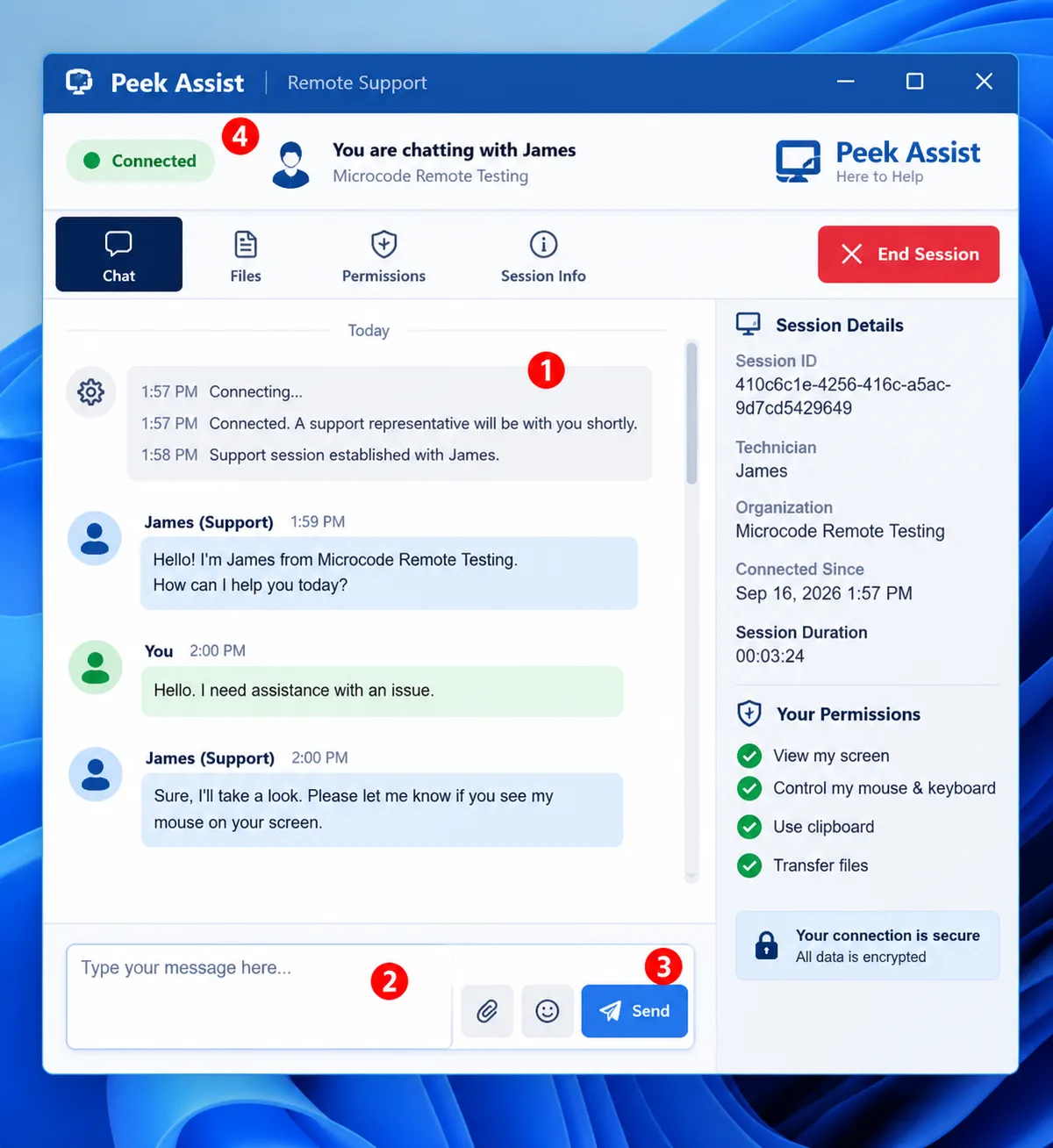
Customers join with a short-lived code and see who is requesting access.
Screen, input, clipboard, file, and audio permissions stay visible to the customer.
View the desktop, chat, transfer files, inspect the system, and write notes without changing tools.
Approved sessions can reconnect after supported restart operations without creating a new case.
Peek Assist is currently free to use. Pricing may evolve as production capabilities and service levels expand.
No. You can create an account and get started without entering credit card information.
No. For attended support, the customer enters a support code, downloads the support client, and approves the requested permissions.
Yes, after the device is deliberately enrolled and the organization policy allows unattended access. Enrolled access can be revoked and is auditable.
Yes. Sessions support customer-approved, bidirectional file transfer with progress and integrity checks.
Peek Assist uses authenticated sessions, explicit authorization, encrypted transport, role controls, and audit evidence. Security depends on correct deployment and operating practices as well.
Create a workspace and begin with a transparent support flow.