
Attended workflow
Compare support-code entry, customer identity checks, requested permissions, and visible session end.
Use your own technical, security, support, and procurement requirements. Product capabilities and pricing change, so verify AnyDesk's current documentation directly before deciding.
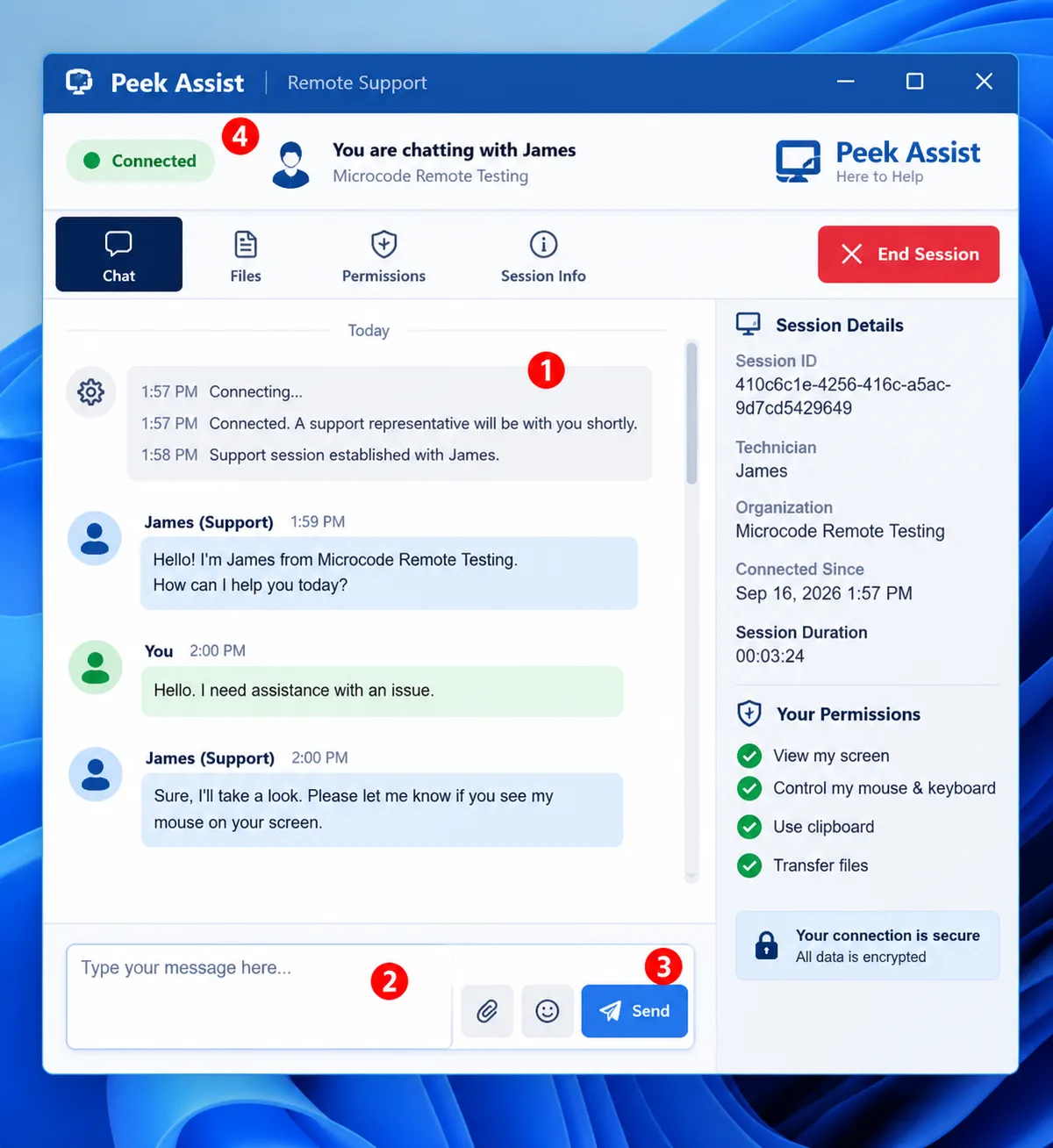
Compare support-code entry, customer identity checks, requested permissions, and visible session end.
Review enrollment, device organization, technician roles, access revocation, and audit evidence.
Test display quality, input control, chat, file exchange, restart behavior, diagnostics, and multi-monitor use.
Verify signing, network requirements, encryption, identity controls, logs, retention, and incident practices.
Peek Assist is currently free with no credit card required; do not treat that as a promise of free service forever.
Run a controlled pilot on representative devices and networks before production adoption.
Create a workspace and begin with a transparent support flow.